Custom DTF Transfers & Gang Sheets
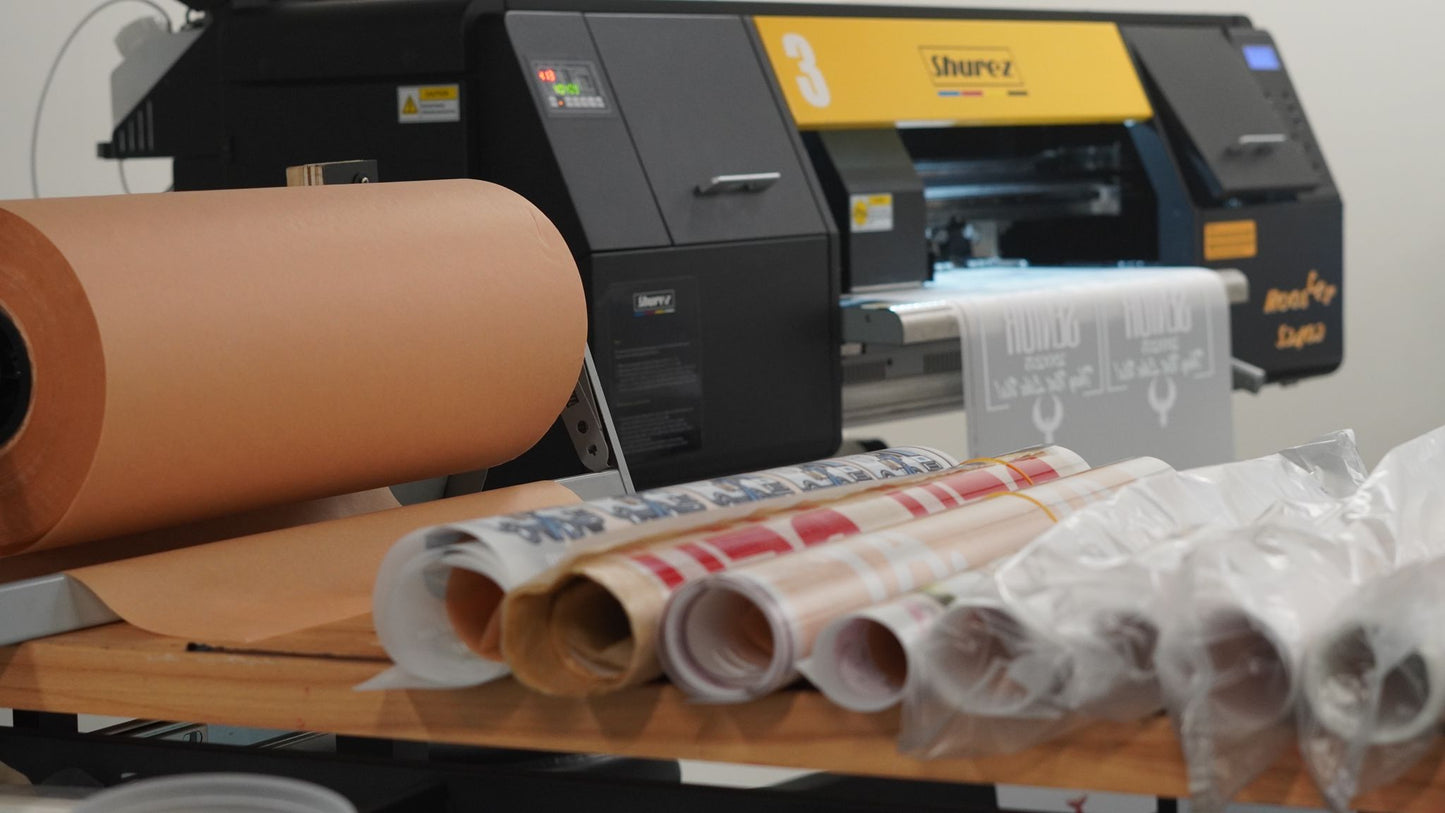
Lion Ink Print offers custom DTF transfers and gang sheets for clothing brands, print shops, apparel decorators, and businesses that need vibrant, durable, ready-to-press designs. DTF, or Direct-to-Film, transfers are printed designs that can be heat pressed onto cotton, polyester, blends, and performance fabrics, making them a flexible option for T-shirts, uniforms, promotional apparel, and branded merchandise.
A gang sheet is a larger sheet that holds multiple designs on one print layout. This allows you to combine several logos, sizes, or artwork variations onto a single sheet, helping you save space, reduce waste, and lower production costs. DTF gang sheets are a smart choice for brands and businesses ordering multiple designs at once or preparing for bulk apparel prints.
Our custom DTF transfers are produced for bold color, sharp detail, a soft feel, and long-lasting performance through repeated washing and wear. Whether you need a single design, a full gang sheet, or wholesale DTF transfers for larger orders, Lion Ink Print delivers consistent, production-ready results with competitive pricing and fast turnaround. Start your custom order today and experience premium custom DTF transfers and gang sheets from a trusted print partner in the Southeast.


DTF Local Print
DTF Gang Sheet Builder
DTF Gang Sheet Builder
The link below will help you set up your files and upload it for DTF Printing, simply click the button below and follow the instructions. For any additional information review the video included in this page.
Using Our DTF Gang Sheet Builder: Step by Step
Our gang sheet maker is simple to use, but it may seem overwhelming if you've never used it before. Here's a step-by-step guide to help you get the best possible results:
Step 1: Load the gang sheet creator and choose the appropriate size. Selecting the correct size is essential, as failure to do so may result in poor image quality or incorrect printing.
Step 2: The gang sheet builder will open an artboard where you can add all your images. Thanks to handy tools like the import and duplicate buttons, you can easily make copies of any images you add.
Pro tip: Ensure that all your images are at least 300 DPI. Higher DPIs allow you to stretch and resize images without compromising quality.
Note: Shadows on your design will print white
Step 3: Rearrange the images to make the most of the available space, positioning them exactly where you want.
Step 4: The gang sheet maker has a built-in tool that alerts you when images are too close to each other or to the edge. Use the hide/show bleed lines function every time to ensure your designs are within the printer's range.
Step 5: Use the export button in the lower-right quadrant of the screen to save your design.
Step 6: You're now ready to place your order. Simply upload your finished gang sheet using the provided upload button.
Why Use a Gang Sheet Builder?
It’s free: You won’t need to outsource your design to a professional, saving time and money.
Better control over the creative process: Designing your own gang sheet gives you full creative control.
Size and quality control: The gang sheet creator ensures your transfers are the exact size you want, and the quality remains high.